

These three items are tools for finding your way around a map. Each is useful when it answers a question, and each is clutter when it only fills space. The question to ask is the same every time: what would the reader do with it?
What are they?
A scale bar is a ruler drawn on the map. It shows distance on the ground, and it stays correct when the page is resized, which a written ratio like 1:240,000 does not. A north arrow shows which way north points. A grid draws lines at regular intervals and labels them with coordinates. A grid in degrees of latitude and longitude is called a graticule.
Why it matters
A reader who wants to estimate a distance needs a scale bar. A reader who cannot tell which way a rotated map points needs a north arrow. A technician who must find a coordinate needs a grid. A reader who needs none of these just sees extra ink.
The rules
Scale bar
- Link it to the correct map item, so the distances it shows belong to that map.
- Choose units the audience knows. Kilometres suit a city map, and metres suit a site plan.
- Use a few clear segments, for example two or three. Eight tiny segments with eight tiny labels are hard to read.
- Check it after the scale changes. If you resize the map item, the bar must change with it.
North arrow
- Use one when the map is rotated, or when the reader might not assume north is up. A familiar north-up map of a known city can do without it.
- Keep it small. It is a reminder, and it must not compete with the data.
- Check it after rotating the map. An arrow that always points straight up is wrong on a rotated map unless it is linked to the map item.
Grid and coordinate labels
- Include a grid only when the reader will use the coordinates, as on a field or technical map.
- Pick an interval that fits the extent. A line every 1.5 km on a 30 km map is far too dense. A few lines are enough.
- Keep lines thin and light, and keep labels clear of the frame and of each other.
- Say which CRS the coordinates are in.
See the difference
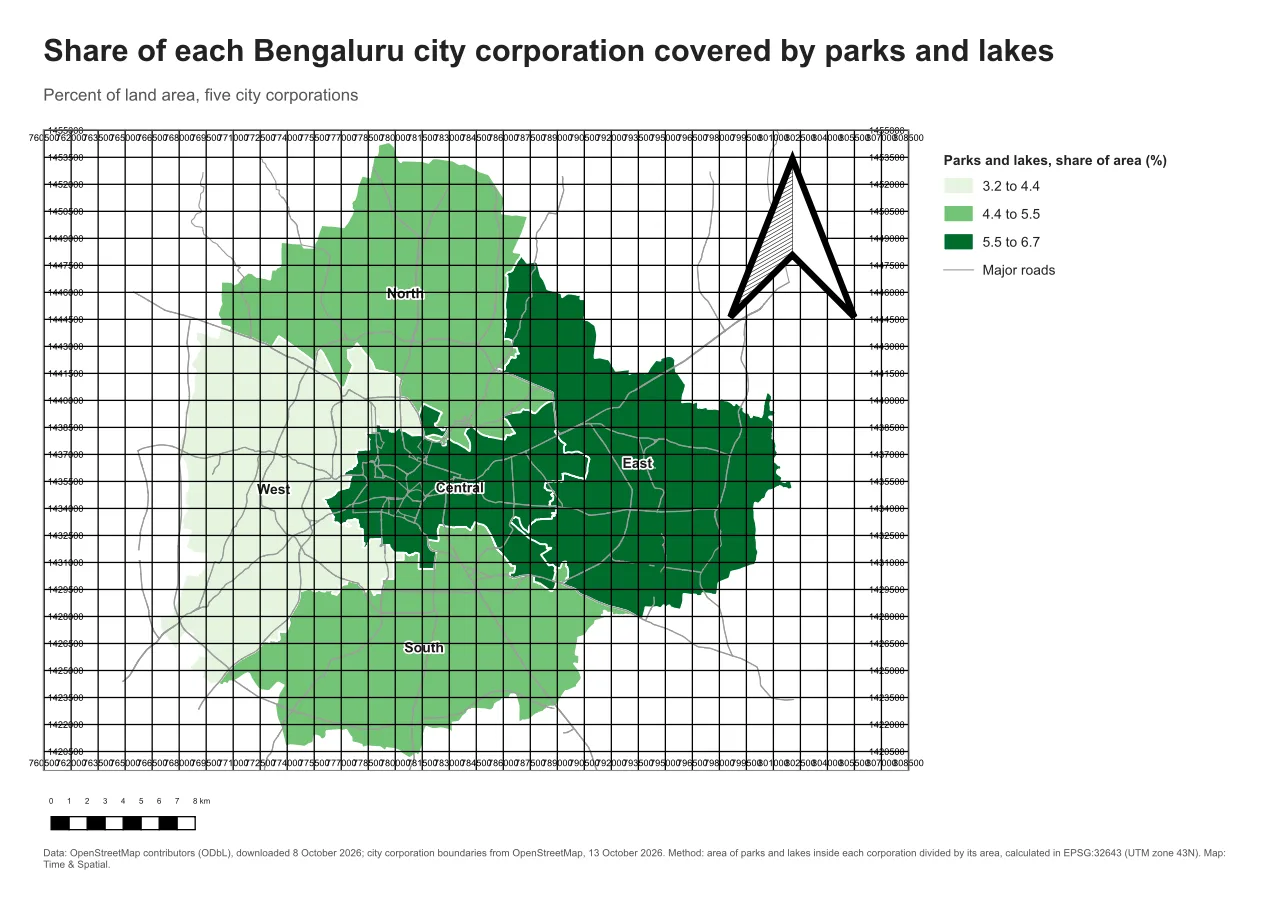
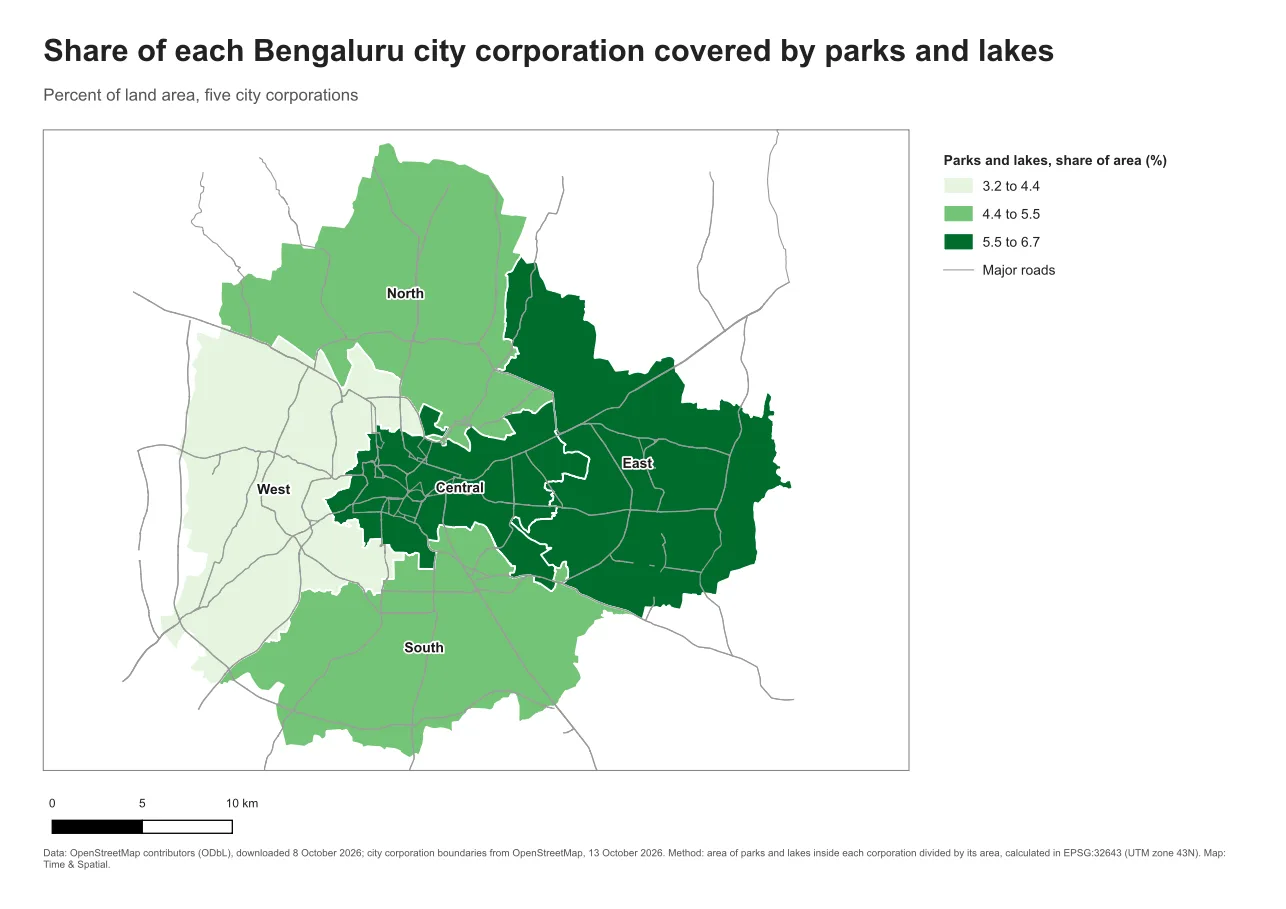
Do it in QGIS
- Add a scale bar with Add Item > Add Scale Bar. In Item Properties, set the Linked map, then the Style, the Units and the segments (left and right).
- Set Fixed width to 5 or 10 km, so the labels come out as round numbers.
- Add a north arrow with Add Item > Add North Arrow. Set its size to a small value. If the map is rotated, link the arrow to the map item.
- For a grid, select the map item and open Grids in its Item Properties. Click the plus button, then Modify grid to set the CRS, the interval and the style. Turn on Draw coordinates for labels.
- Zoom in and check that no labels collide and that the scale bar text is readable.
Common mistake: adding all three by default
The mistake is to add a scale bar, a north arrow and a grid because the layout has room for them. Each one adds clutter and none was asked for. Ask first what the reader will do with it, and add only what answers that.
Glossary
| Term | Meaning |
|---|---|
| Scale bar | A drawn ruler showing ground distance at the map scale |
| North arrow | A symbol showing the direction of north |
| Graticule | A grid of latitude and longitude lines |
| Segment | One section of a scale bar between two labelled marks |
| Interval | The distance between grid lines |
Practise it
Build the same layout twice, once with all three items and once with only what a general reader needs. Ask a colleague which they prefer. Then follow the grid and scale bar steps in Print layouts in QGIS.
Test yourself
1. Why is a scale bar better than a written ratio on a printed map?
The bar scales with the page. If the page is enlarged or reduced, the ratio is wrong but the bar stays true.
2. When can a north arrow be left out?
On a familiar north-up map where the reader will assume north is at the top.
3. What decides a good grid interval?
The extent and the use. A few lines that give useful reference points are better than many lines that bury the map.