

A reader looking at a map of five city corporations may not know where in the world they are. Someone from another state, or another country, could be looking at it. A small second map in the corner fixes that in a glance.
What are they?
A locator map is a small map that places the main study area inside a larger region, such as a state or a country. An inset map is a small map that shows a detail that cannot be read at the main map's scale, such as a crowded centre, or a separate area like an island. An annotation is a short piece of text or a callout that points at a feature and says what is interesting about it.
Why it matters
A locator map costs a small part of the page and removes a question the reader might otherwise have. An inset lets you show a detail clearly without enlarging the whole map. Annotations point the reader at the pattern you found, so they do not have to search for it.
The rules
- Use a locator map when the readers may not know the area. For a local audience that knows the place well, it is optional.
- Use an inset only for something important that cannot be shown legibly in the main frame. It is not a place to add more data.
- Draw the main map's footprint on the locator as a clear outline. Make the relationship unambiguous.
- Give the inset a light frame and a short label such as "Location in Karnataka".
- Keep the locator very simple: an outline of the region and the footprint. Skip labels and extra layers.
- Annotate with restraint. Point at the one or two features that carry the message. Do not narrate everything visible.
- Add roads, towns, rivers or terrain only when they help the reader interpret the data.
See the difference
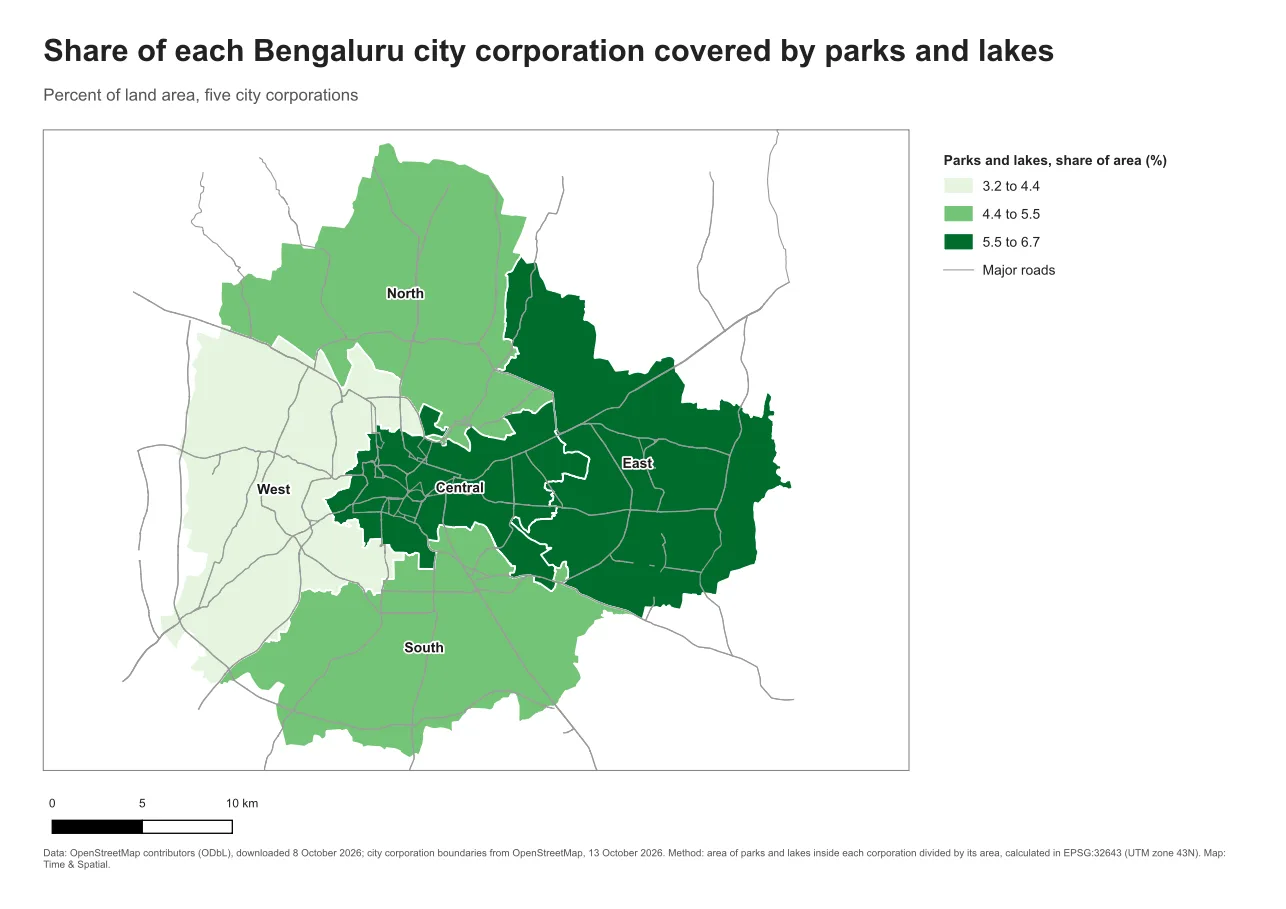
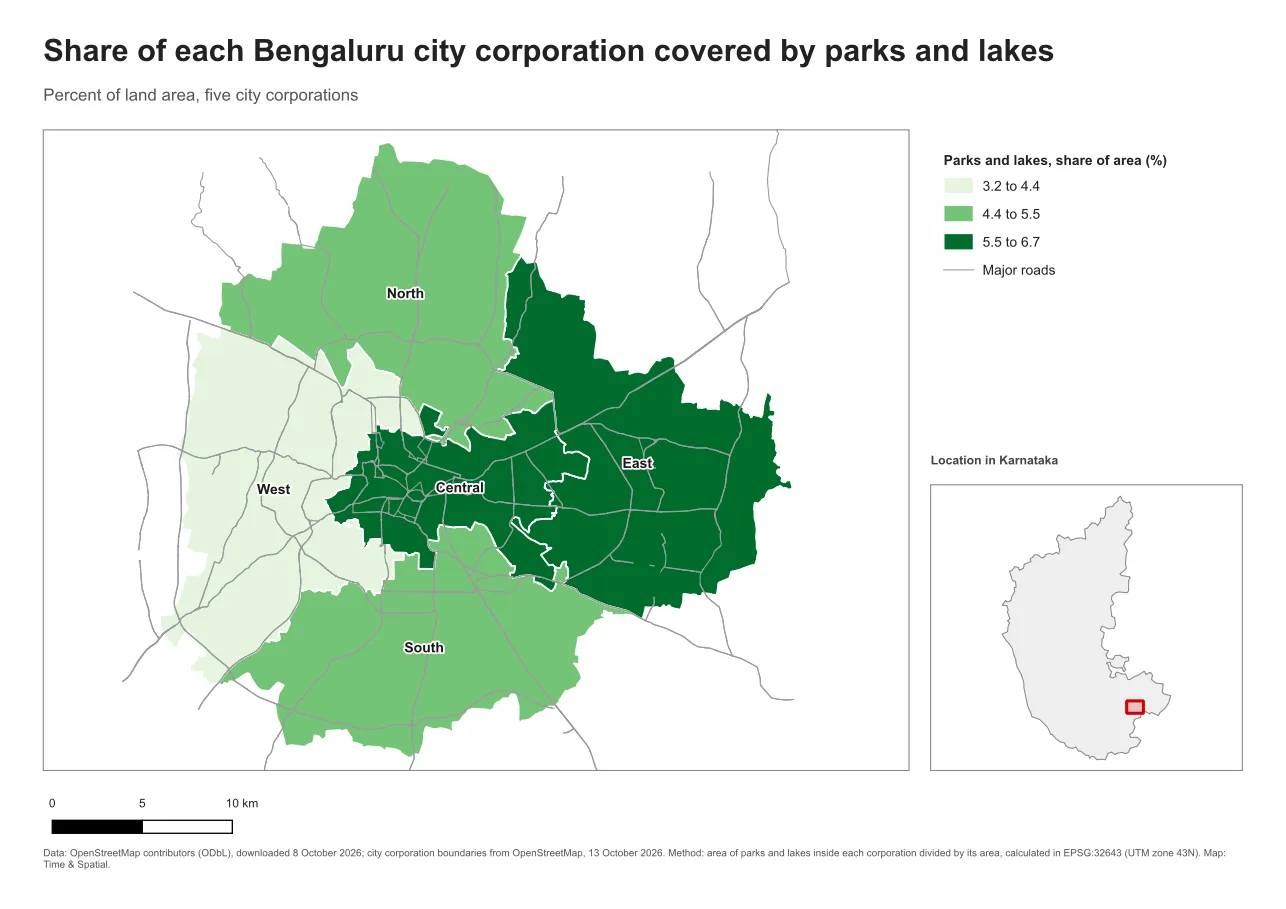
The state outline comes from Natural Earth, which is in the public domain.
Do it in QGIS
- Add a second map item with Add Item > Add Map and draw it where the locator should go.
- In its Item Properties, set the scale or extent so that the whole region shows. Under Layers, tick Lock layers and choose a short layer set, such as only the region outline.
- Scroll to Overviews in the same panel and click the plus button. Set Map frame to your main map. QGIS draws the main map's footprint on the inset automatically.
- Click the overview's Frame style to make the footprint a clear red outline with a light fill.
- Add a short label above the inset, and turn on its frame.
For annotations, use Add Item > Add Label, Add Arrow or Add Shape, and keep the text short.
Common mistake: a locator that is as busy as the main map
If the locator shows many layers and labels, it competes with the main map. Keep it to a light outline and the footprint. Another mistake is an inset whose relationship to the main map is unclear, so always mark where it comes from.
Glossary
| Term | Meaning |
|---|---|
| Locator map | A small map showing where the study area sits in a larger region |
| Inset map | A small map showing a detail or a separate area at its own scale |
| Overview frame | An outline on one map that marks the extent of another map |
| Annotation | A short text or callout that points at a feature |
Practise it
Add a locator map to one of your layouts and use an overview frame so the footprint updates when you move the main map. The Print layouts in QGIS tutorial includes an overview map step.
Test yourself
1. What is the difference between a locator map and an inset map?
A locator shows where the study area is in a larger region. An inset shows a detail, or a separate area, at a scale of its own.
2. Why mark a footprint on the locator?
It makes the link between the two maps clear, so the reader knows exactly which part of the region the main map shows.
3. How many annotations does a map need?
As few as carry the message, usually one or two pointers, and not one for every feature.